Passport Photo Requirements
Passport photo requirements usually focus on three things first: a clear front-facing portrait, a white or near-white background, and correct head positioning inside the frame. This page collects the main points before you generate a new passport photo.
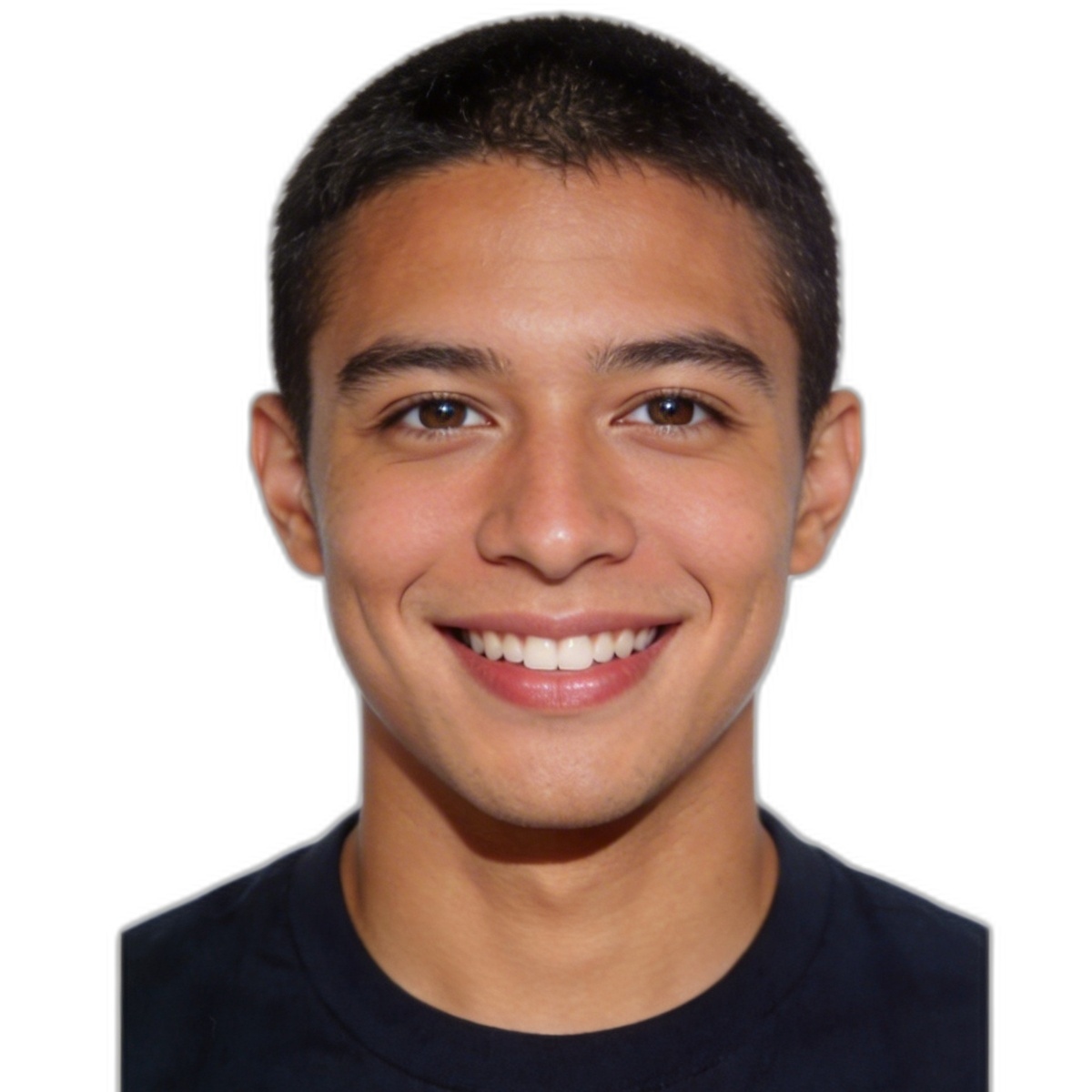
Background and lighting
A simple bright background is easier to process and usually matches common passport photo rules better. Avoid deep shadows behind the head and strong side lighting.
Head position
The head should be upright, centered, and not too close to the top edge. Good framing leaves visible space above the hair and around the shoulders.
Photo quality
Use a clear image, avoid motion blur, and keep facial features visible. Higher quality input generally leads to cleaner passport photo output.
Common rejection risks
- Strong shadows on the wall or across the face.
- The head tilted to one side.
- Busy or textured background that leaves visible artifacts.
- Low-resolution input that becomes soft after processing.
Before generating
- Use even front lighting.
- Face the camera directly.
- Keep the shoulders visible.
- Leave enough space around the head in the source image.
- Review the result and erase small leftover artifacts if needed.
What this page is for
This page helps users understand the common passport photo requirements before generating an image. It is intentionally different from the size guide and the how-to page: the focus here is on acceptability risks, not just dimensions or steps.
Passport photo requirements FAQ
Does the background need to be pure white?
In most passport-related workflows, a bright white or near-white background is expected. A clean and even background is more important than leaving shadows or texture behind.
Can I use a selfie?
You can start from a selfie if the face is clear, the angle is straight, and the lighting is even. A regular portrait taken by another person often produces a cleaner starting point.
Should I retouch the final image?
Only light cleanup is usually appropriate. Use tools to remove leftover background noise, but avoid over-editing facial features.